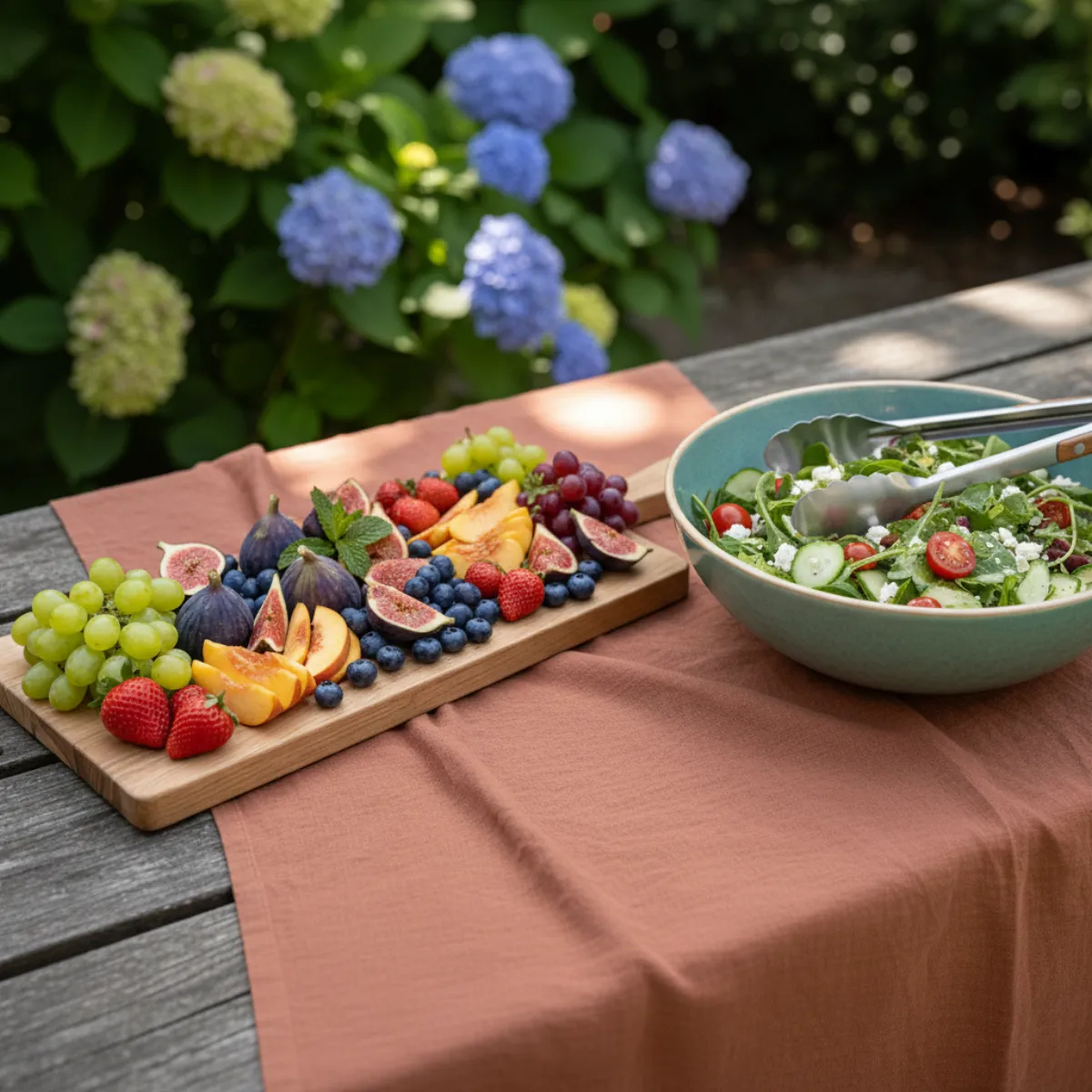
🥩 BBQ & DINNERS

The easiest bring-a-dish list

Neighbourhood cookout, Friendsgiving, or summer grill — build a list, drop the link in chat, and see who is bringing bread, drinks, or dessert.

No ten bags of crisps

People claim what they bring — shortages and mountains of leftovers shrink.

Transparency on purpose

Unlike secret wishlists, potluck lists show names so coordinators keep overview.

Co-manage

Delegate admins who can tweak quantities or categories live.

Works logged out

Guests tap the link, pick a slot, optionally leave a note — minimal friction.

How it works

Create the perfect wishlist in 3 simple steps.

1

Create

Choose the “Who brings what” list type geared toward groceries and gatherings.

2

Add staples

Charcoal, wine, salads, napkins — spell out quantities if you care.

3

Share logistics

Paste the URL into your invite chain or roommate thread.

Why an online “who brings what” list matters

That frantic group chat hour before Friendsgiving — everyone yelling what they supposedly bring? A structured online potluck list ends the noise.

List type tuned for groceries

Secret wishlists hide names; communal meals need transparency. Toggle the dedicated mode so coordinators see precisely who grabbed salad vs. brownies.

Fewer forgotten essentials

If something shows as claimed, the group trusts it — no more realising nobody bought ice two minutes before guests knock.

FAQ

Difference vs. a birthday wishlist?

Birthday lists hide reservations from the recipient; bring-a-dish lists show who covers each item — by design.

Pooling money for big groceries?

Coordinate via notes or nominate one admin to reimburse contributors.

Is there a fee?

No — identical free promise as every other list type on Vlijstje.

Ready to get started?

It is 100% free and nothing to install.

Start a potluck list